

You saved it. Now where the hell is it?
Lenko, a visual bookmark manager with screenshot previews: Every site you save,as a screenshot you’ll recognize.
Lenko is a free visual bookmark manager for designers. One click saves the page with its screenshot. Group saves into collections, send one to a client with a link, or publish them at lenko.io/@you.


Stop losing what you find

Save from anywhere
One click from your browser. No friction, no detours.

Revisit with context
Add a note so you remember why it mattered when you saved it.

Organize visually
Build collections that look like your thinking, not a spreadsheet.

Connect with your favorite AI
Use Lenko in Claude and ChatGPTEARLY ACCESS
You've bookmarked hundreds of things you'll never open again. Lenko fixes that.
Save links in one click, organize into visual collections, and actually come back to your ideas. Free while we're in early access — and your feedback shapes what gets built next.
Free early access
Save links, build collections, stay organized.
Share it all
Public collections, your portfolio at lenko.io/@you, and Teams, free for up to 3 people.
Lenko at a glance
- What it is
- A visual bookmark manager: every page you save keeps its screenshot, so you recognize it at a glance.
- Made for
- Web, brand and product designers who collect websites as references, and anyone who thinks in tabs.
- Save
- One click, Alt+Shift+S (Ctrl+Shift+S on a Mac), a right-click on a link or image, or all your open tabs at once.
- Organize
- Collections with a note on each save. Search covers titles, notes and the text of the pages you saved.
- Share
- Keep a collection private, send it with a link (no account needed to view), share it with your team, or publish it on your portfolio at lenko.io/@you.
- Browsers
- Extensions for Chrome and Firefox. The web app works in any modern browser.
- AI
- Connect Lenko to Claude or ChatGPT to search and save from the chat. How it works
- Price
- Free during early access. Teams are free for up to 3 people.
Collections to start with
Public collections curated by the Lenko team, each link with a note on why it is worth your time. Save one to your Lenko in a click.
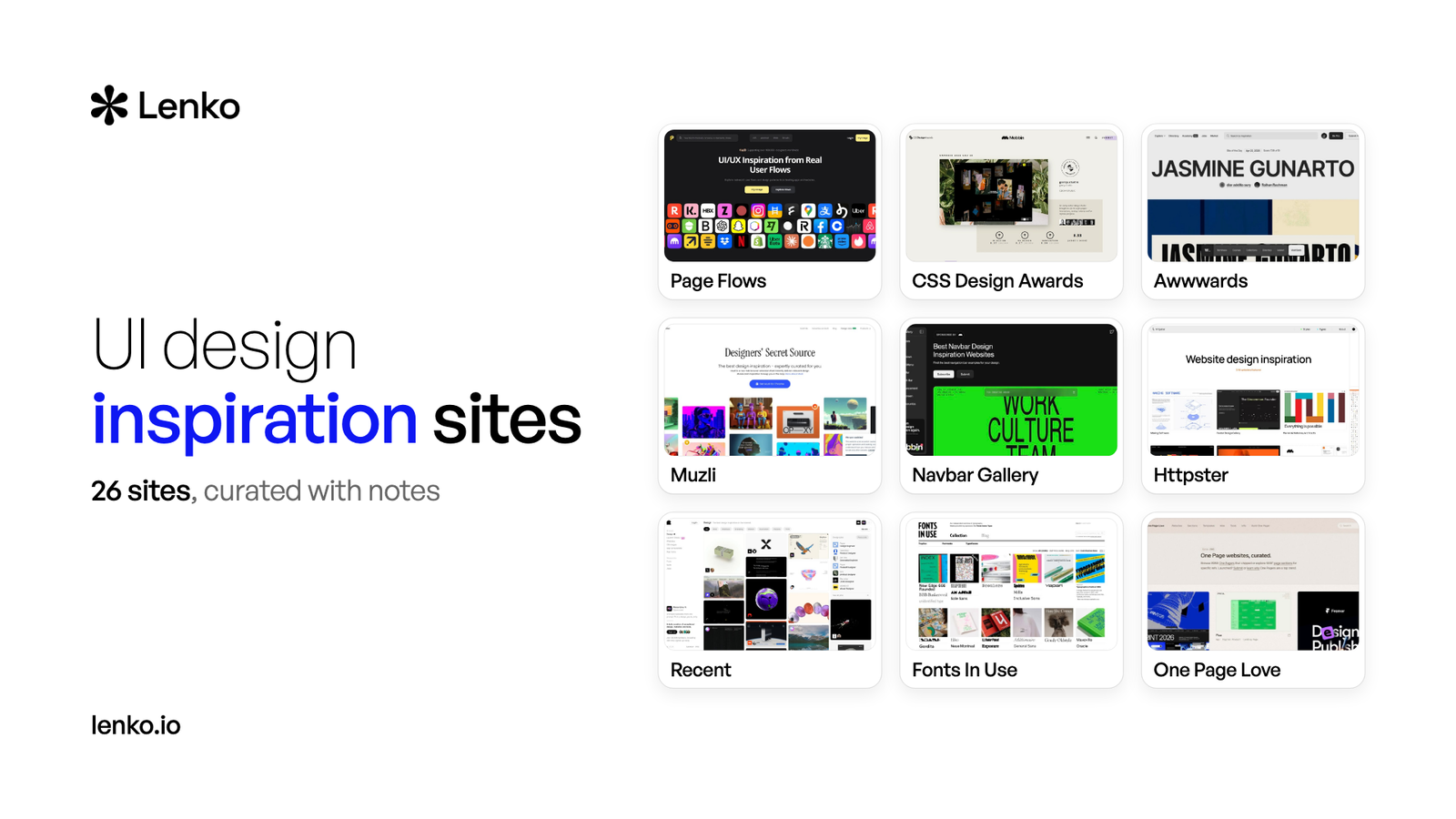
UI design inspiration sites
by Lenko
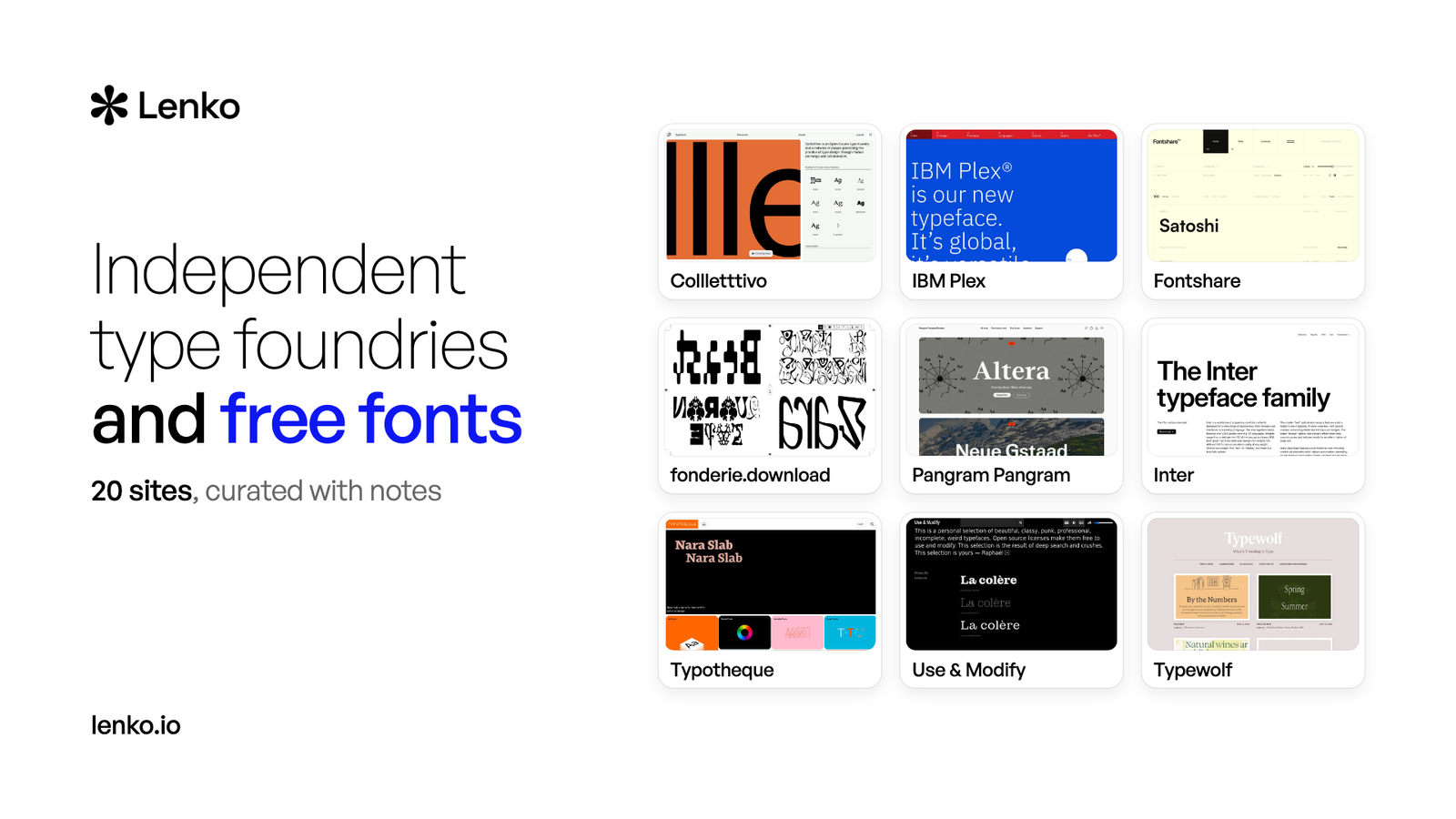
Independent type foundries and free fonts: a list (2026)
by Lenko
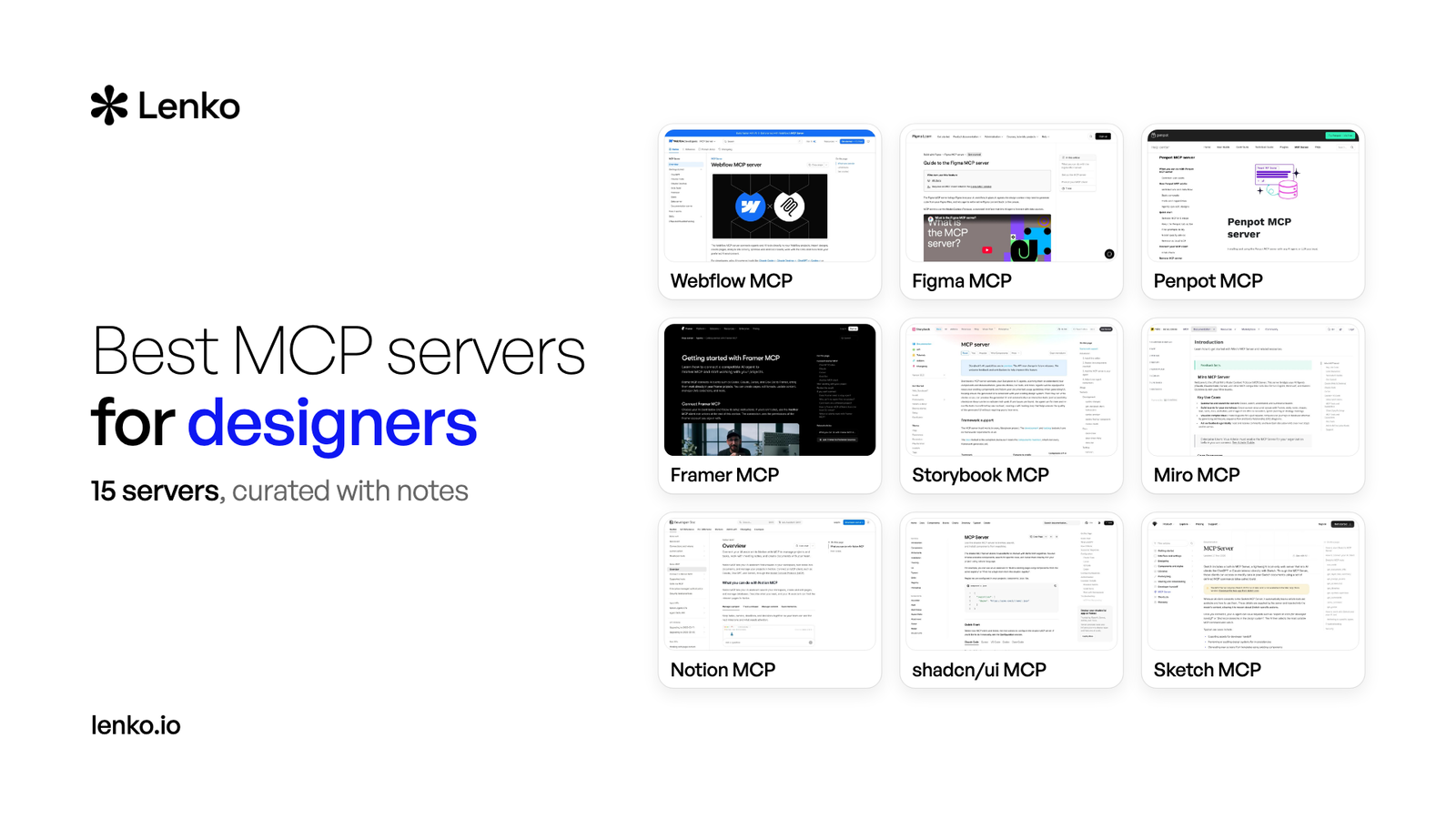
Best MCP servers for designers (2026)
by Lenko
How Lenko compares
Lenko is for the websites themselves, arranged by you and easy to share. Here is how it sits next to the tools designers already use.
- Lenko vs Pinterest: your own website references, without a feed of suggested or AI-generated pins.
- Lenko vs mymind: collections you arrange and share, where mymind keeps a private space sorted by AI.
- Lenko vs Are.na: screenshots of every site you save, for visual references rather than research channels.
- Lenko vs Raindrop.io: a visual board of sites made to share, next to a classic all-purpose bookmark manager.
- Lenko vs Eagle: links to live websites in the browser, where Eagle keeps image files on your computer.
Questions
What is a visual bookmark manager?
A place to keep the websites you want to come back to, shown as screenshots instead of a list of titles. With Lenko you see a page before you open it, add a note on why you saved it, and group saves into collections.
Is Lenko free?
Yes. Lenko is free during early access, with no paid plan. Teams are free for up to 3 people.
Can a client see a collection without an account?
Yes. Share a collection with a link and anyone can open it. They need an account only to save it to their own Lenko.
How is Lenko different from Pinterest?
Pinterest is a feed of images picked for you. Lenko saves the websites you choose, with a screenshot and your note, and shows no feed. Full comparison.
Can I use Lenko with Claude or ChatGPT?
Yes. Add Lenko as a connector and your assistant can search your saves, read your collections and save links for you. Set it up.
Does Lenko work on my phone?
The web app works on phones, so you can open and share your collections anywhere. Saving in one click needs the extension on a desktop browser.

Your brain collects fast.Most tools can't keep up.
Lenko is built for designers who think in references, tabs, and rabbit holes. Every link you save becomes part of a bigger picture — one you can actually navigate.