
Lenko for designers
Bookmark manager for designers
You find great references every day, then lose them in tabs, screenshots folders and a hundred bookmarks named “Home”. Lenko keeps every site you save as a picture you recognise, in collections you can share.
How it works
Save with a screenshot
Click the Lenko button on any site. It is saved with a screenshot of the page, so you find it again by how it looked.
Add why it matters
Write a short note on a save: the spacing you liked, the client it is for, what to steal.
Group it by project
Drop saves into collections: a moodboard per client, a library of type, a list of portfolios to study.
Share a link
Make a collection public and send it to a client or your team. They see the screenshots, no account needed.
Share a moodboard with a client
Collect the sites that set the direction, add a note to each and send the collection link. Your client sees a clean page of screenshots and your notes, and can open every original site. Make it private again when the project is over.
Working with others? Teams are free for up to 3 people, so a small studio can build one shared library.
Your portfolio page
Your public collections also make a page at lenko.io/@you: your references, your taste and the work you point to, in one link for your bio or your CV.
Collections to start with
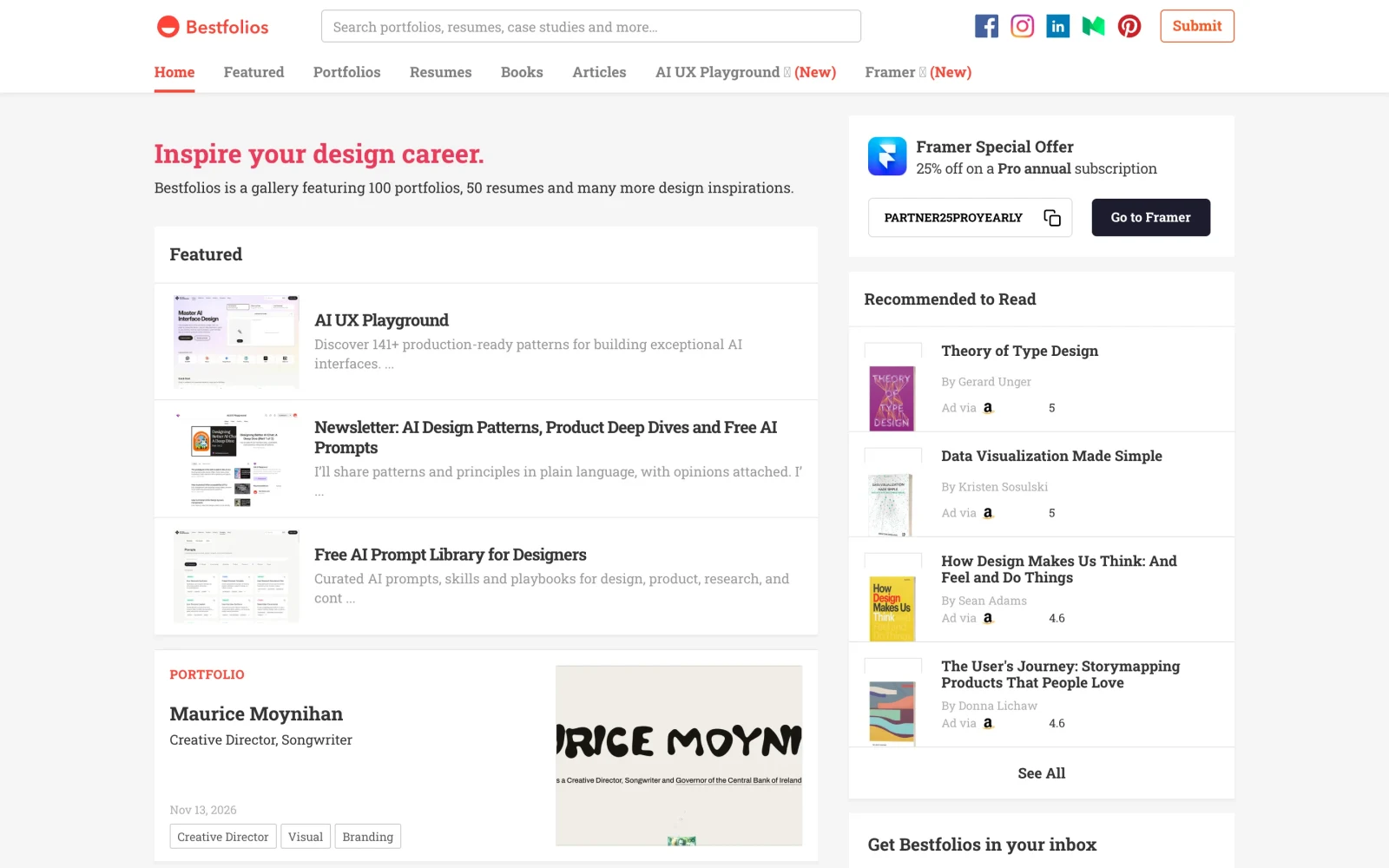
Designer portfolio inspiration
16 links
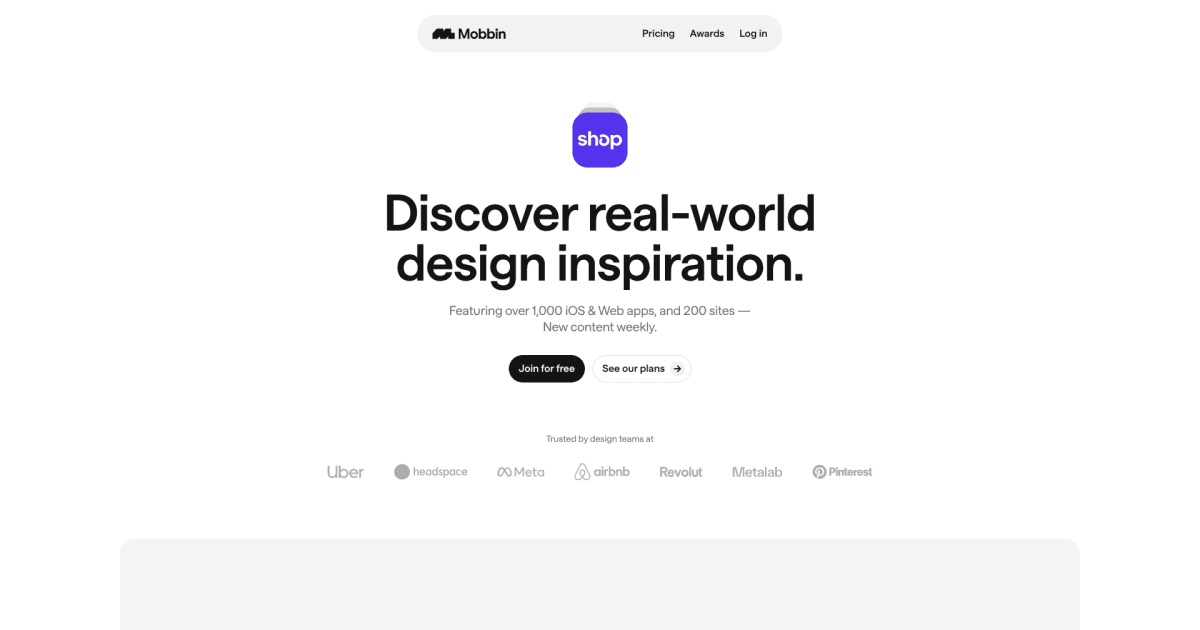
UI design inspiration sites
18 links
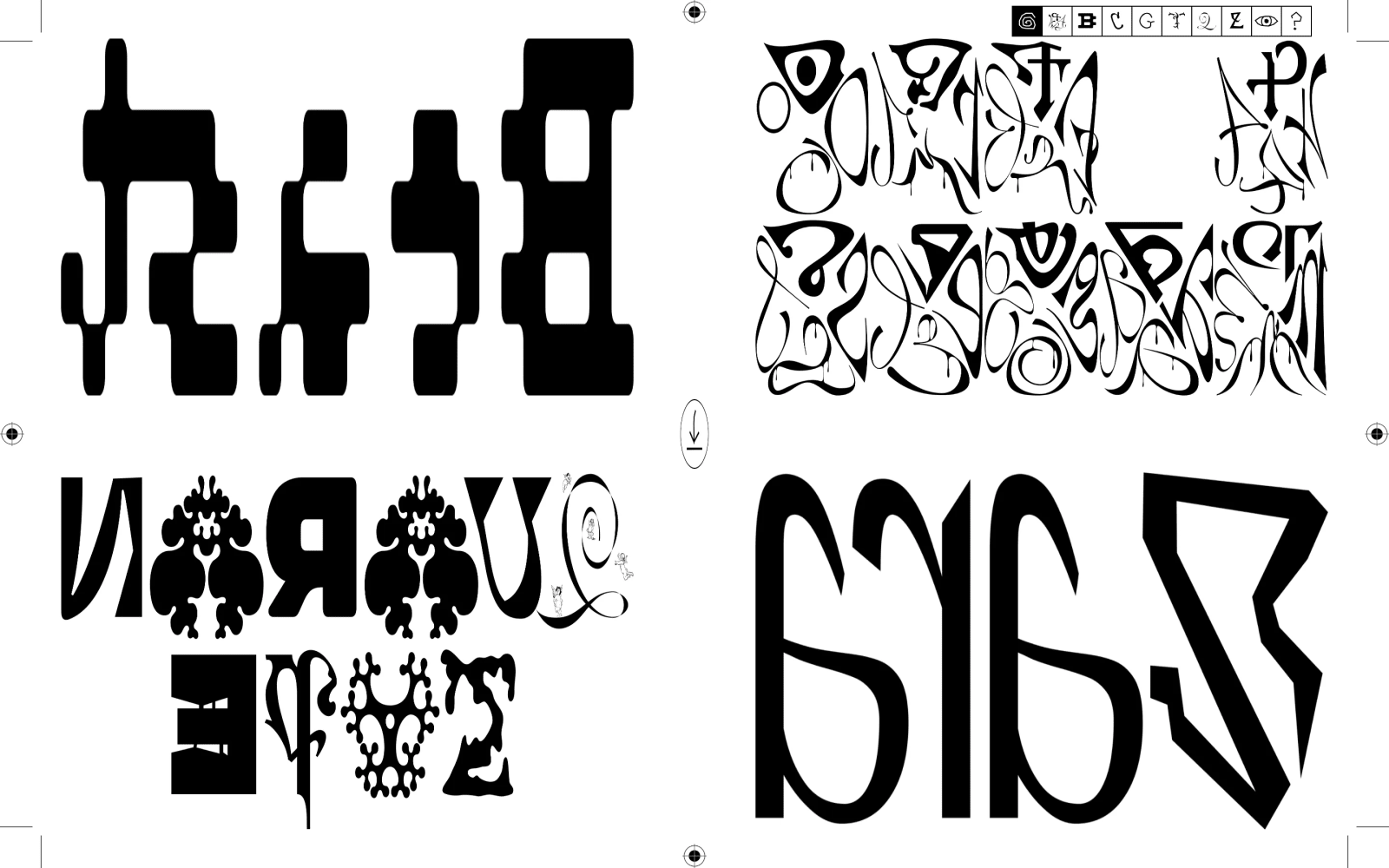
Independent type foundries and free fonts: a list (2026)
20 links
More in Get inspired. Coming from another tool? Read the comparisons with Are.na, mymind and Eagle.



Keep every reference
Free during early access. Install the extension and save your first site in a click.